Four tools explained
Site Profiles records the facilities, machines and staff. Workforce Sizing works out how many radiologists that work needs. The Triage Tool holds the national criteria for prioritising imaging referrals. Radiology Report Feedback, in beta testing, lets radiologists and clinicians give feedback on a radiology report.
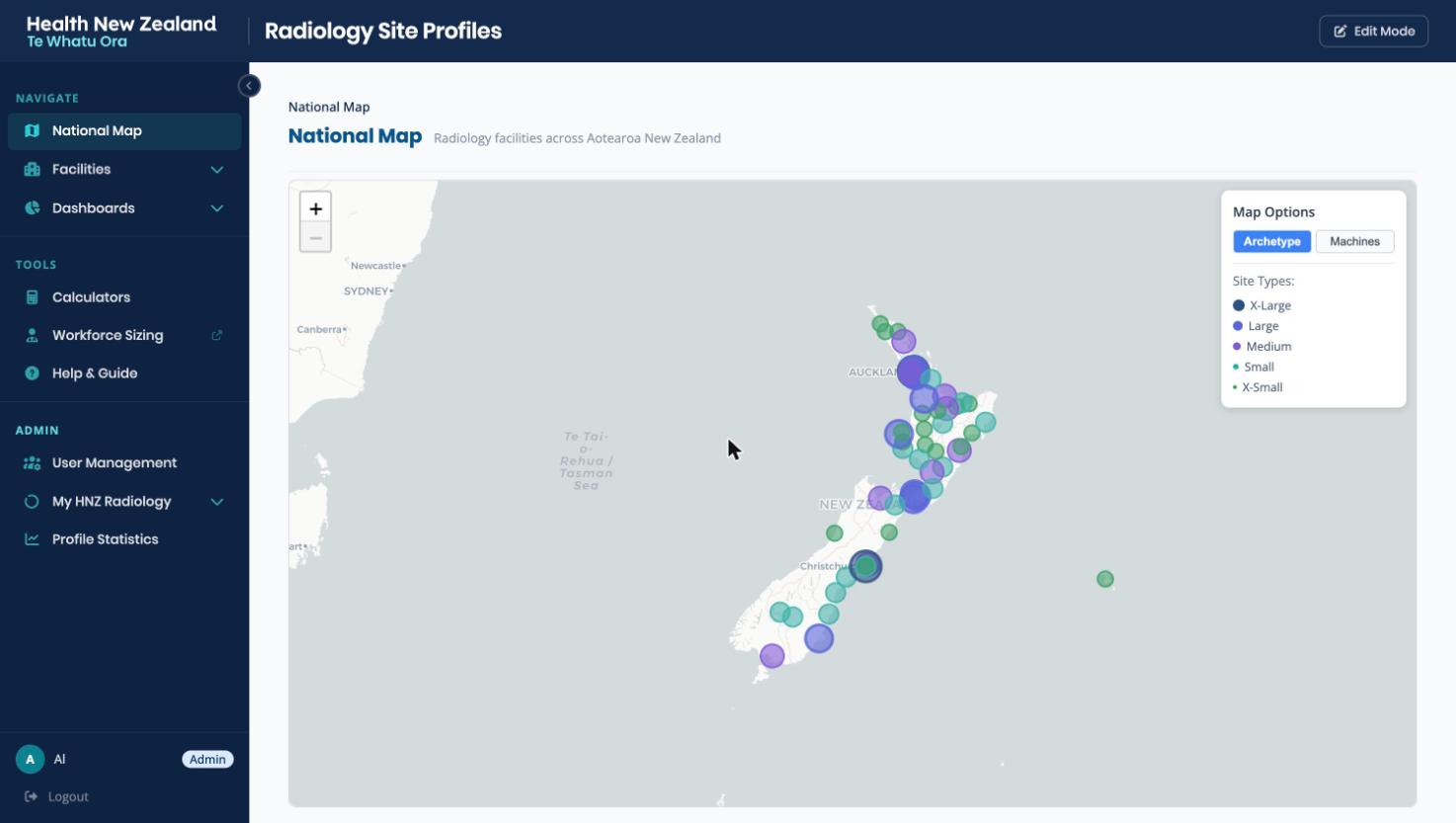
Site Profiles
The national directory of radiology facilities: their machines, staffing, opening hours and specialty services.
Read the explainer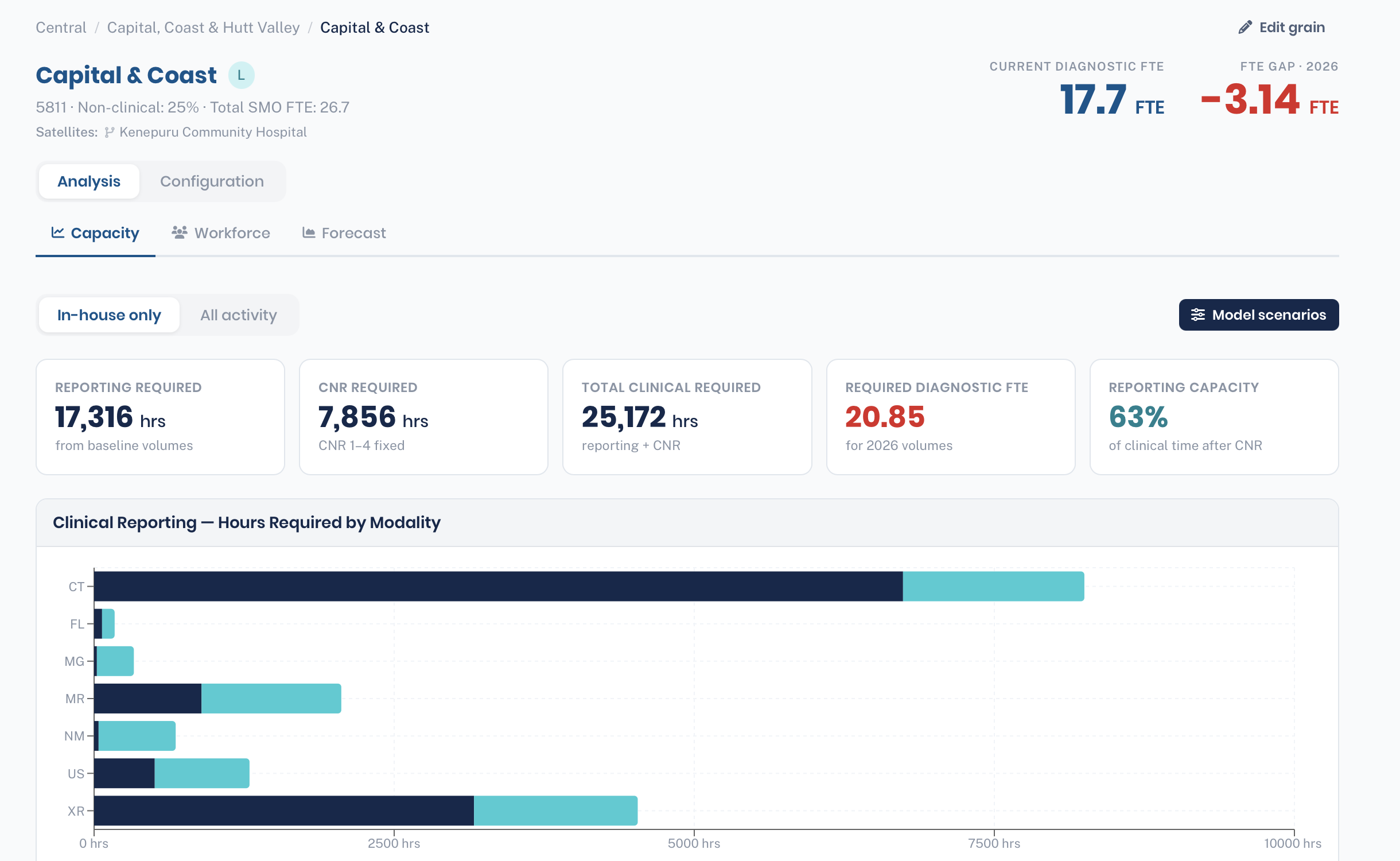
Workforce Sizing
A workforce model. Examination volumes and clinical activity go in; the number of radiologists needed, and the gap against current staffing, come out.
Read the explainer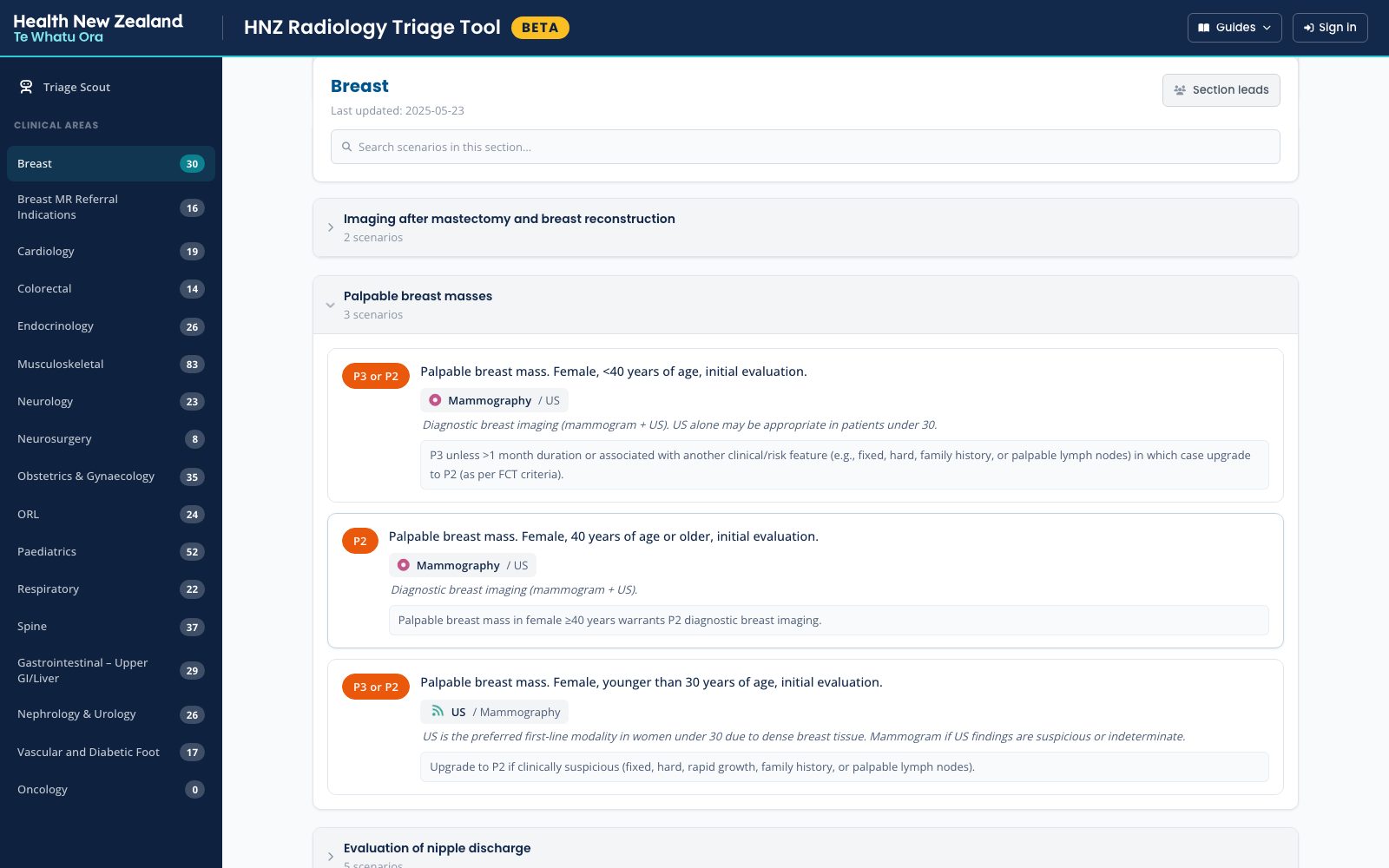
Triage Tool
The national prioritisation criteria as a searchable library of clinical scenarios, each with a recommended modality and priority. Open to anyone.
Read the explainer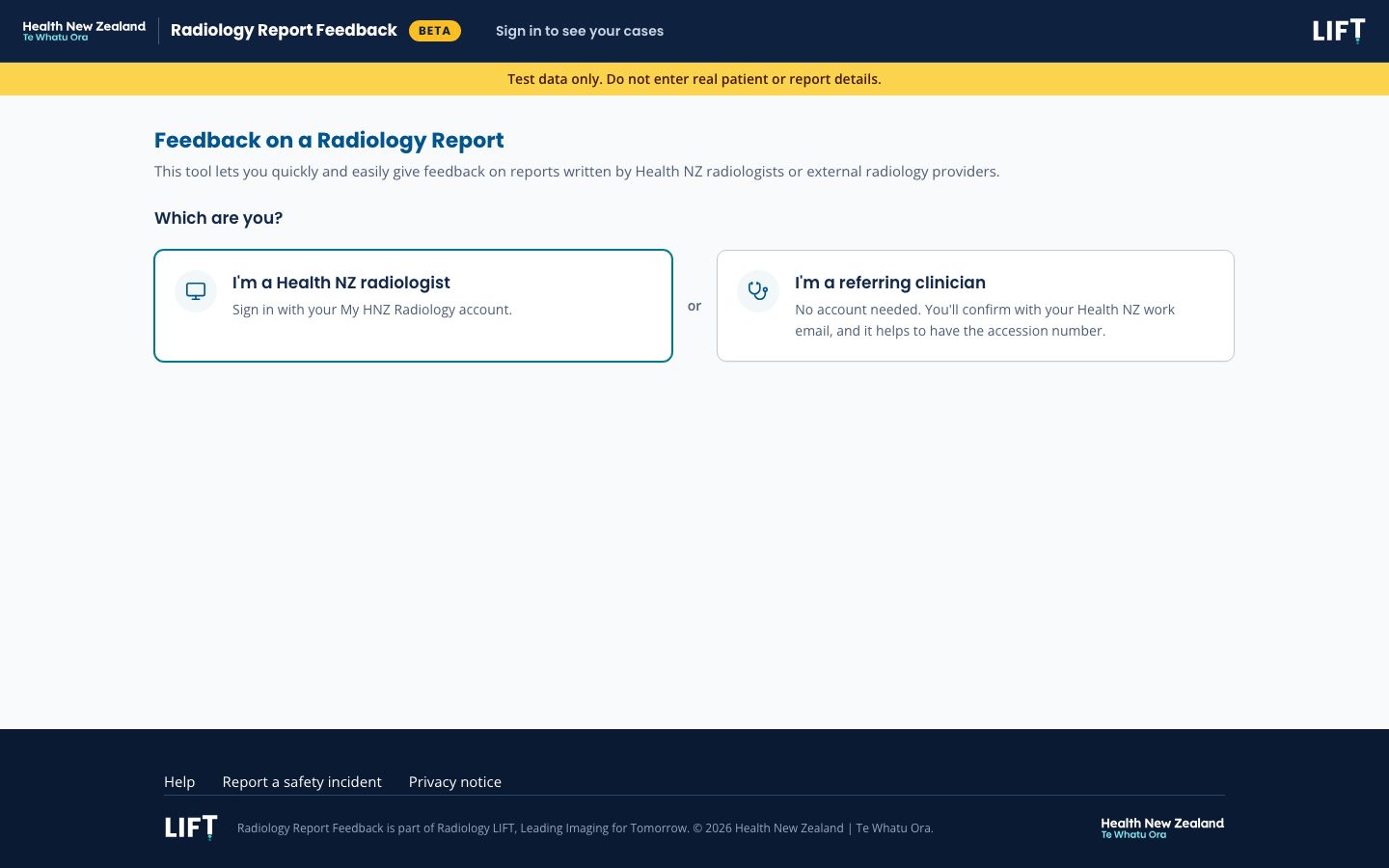
Radiology Report Feedback
In beta testingFeedback on a radiology report, either a learning opportunity or a great call, from radiologists and referring clinicians. Each learning opportunity is reviewed and closed, and the person who raised it hears the outcome.
Read the explainerHow they fit together
One sign-in, run by the identity hub at id.hnzradtools.nz, covers Site Profiles, Workforce Sizing, Community Triage, Radiology Report Feedback, My HNZ Radiology and editing in the Triage Tool. Access to each tool is granted separately.
Site Profiles holds the facilities and their staffing. Workforce Sizing groups facilities into planning units called grains and reads staffing from Site Profiles. Radiology Report Feedback uses the Site Profiles facility list. The Triage Tool stands on its own: anyone can read it without signing in.
Other tools in the suite
These have no explainer yet.
- My HNZ Radiology The portal for radiologists, MRTs and network members: profiles, the directory and announcements from the Radiology National Clinical Network.
- Community Triage The national criteria for imaging requested from primary care, by examination.
- Radiology Cleaner App Maps each region's radiology examination names to one national standard. It has its own sign-in.